What Should I Do If My Solar System Stops Working?

Quick Answers to Your Solar Questions
Buyer's Guide

Solar Knowledge Base

❓ Quick Answer

Stay calm and perform a few simple checks before assuming there is a serious problem.

Modern Off-Grid Solar Systems are designed with intelligent monitoring and built-in protection features. In many cases, a notification or temporary operating condition can explain what you are seeing.

Step 1 – Check Your Monitoring App

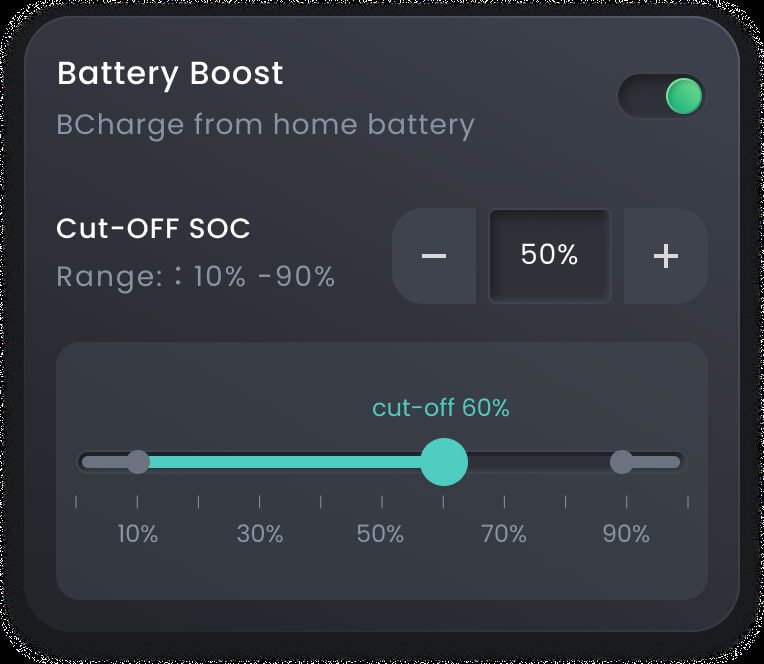
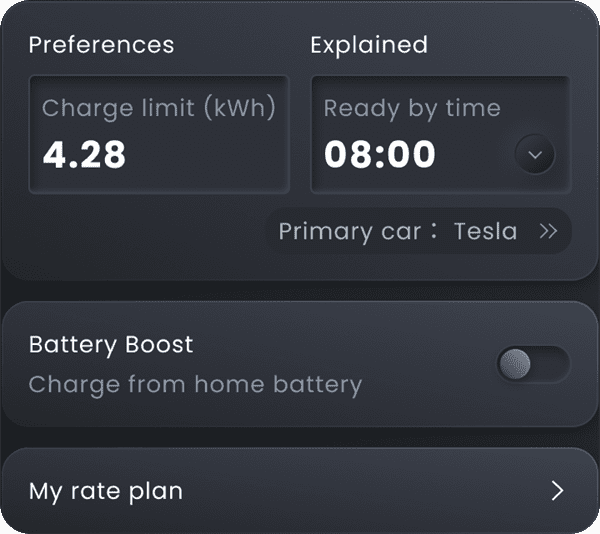
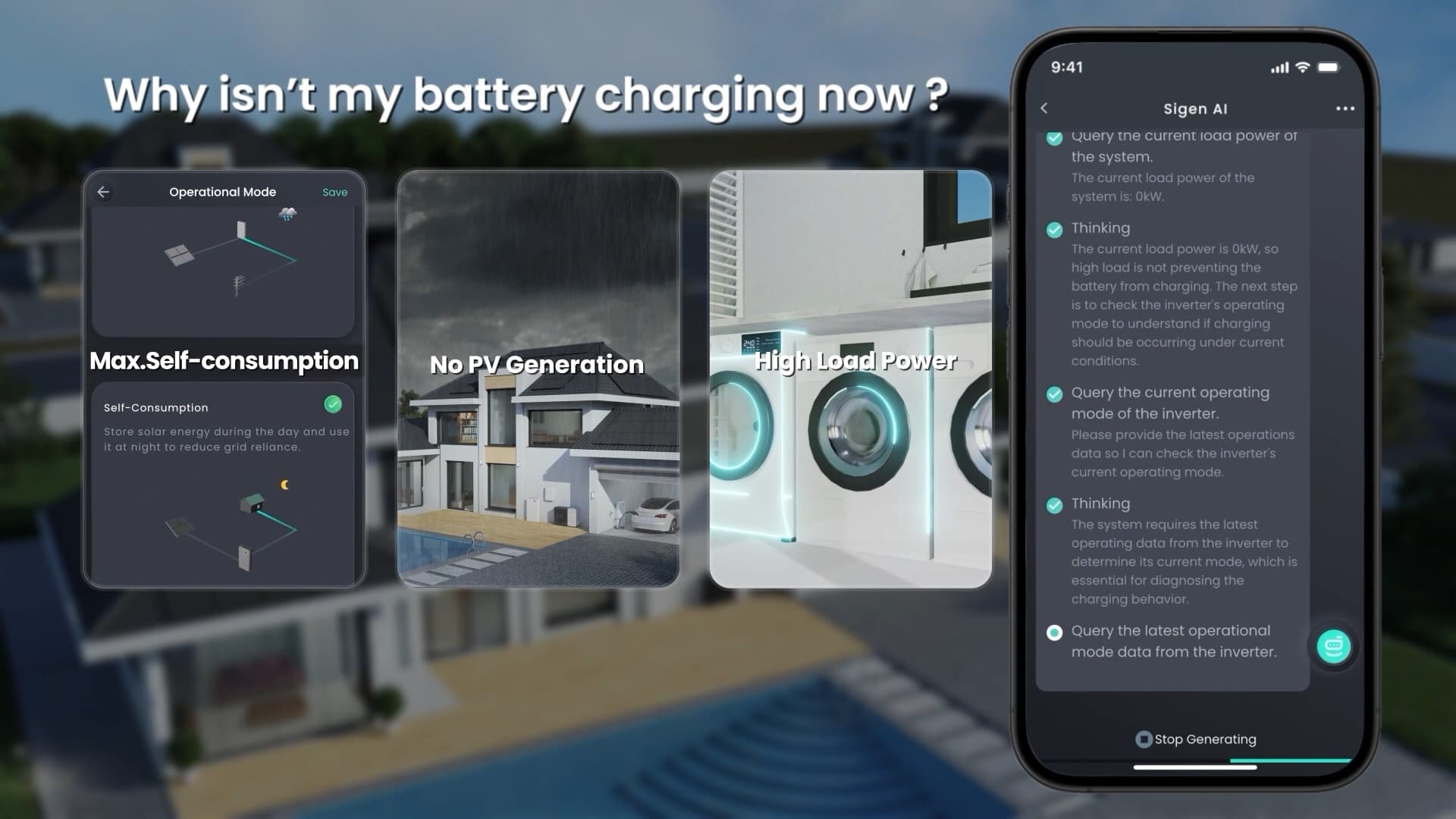
Your monitoring app is usually the quickest way to understand what is happening.

Look for:

  • Current system status
  • Recent notifications
  • Battery charge level
  • Solar energy production
  • Any warning or information messages

Often, the app provides enough information to determine whether the system is operating normally.

Step 2 – Consider the Weather

Solar production naturally changes throughout the day and with weather conditions.

For example:

  • Cloudy weather reduces energy production.
  • Early morning and evening generate less solar power.
  • Seasonal daylight hours vary throughout the year.

Lower production does not necessarily mean the system has stopped working.

Step 3 – Perform a Safe Visual Inspection

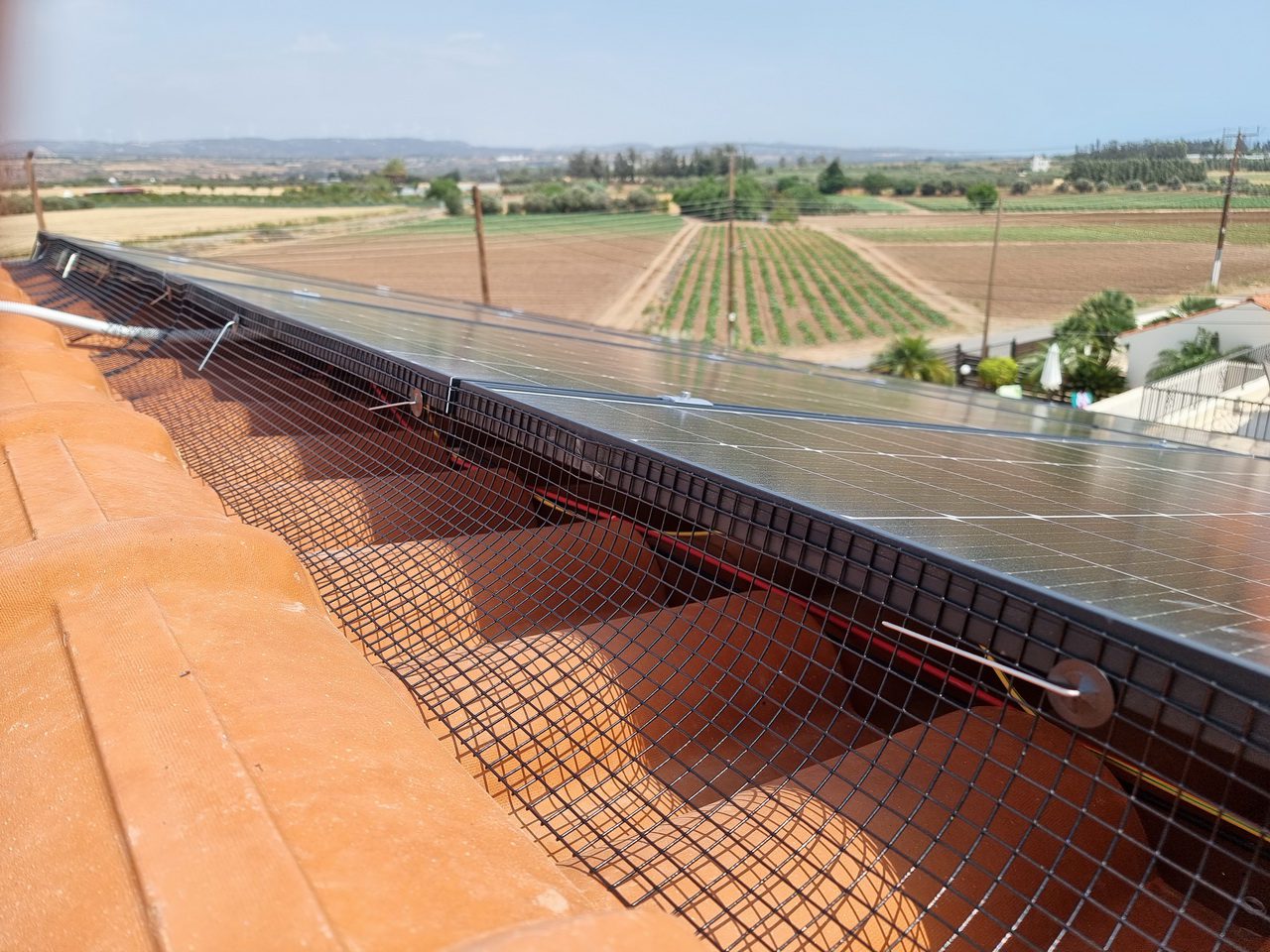
Without opening any equipment, check for obvious issues such as:

  • Heavy dirt or debris covering the panels
  • New objects creating shade
  • Visible damage after severe weather
  • Anything unusual around the installation

Never touch electrical components or attempt repairs yourself.

Step 4 – Review Recent Alerts

If your system has reported repeated notifications, note the information shown in the app.

This will help your installer diagnose the situation more quickly if assistance is needed.

Step 5 – Contact Your Installer

If the system still appears not to be operating correctly after these checks, contact your installer.

Providing information such as:

  • Screenshots from the monitoring app
  • Alert messages
  • A brief description of what you observed

can help speed up the troubleshooting process.

✅ Before You Need Support

It’s helpful to know in advance:

✔ How to access your monitoring app

✔ Where to find recent notifications

✔ Who to contact for technical support

✔ What information your installer may request

Being prepared makes resolving any issue much easier.

Intelligent Monitoring with Sigenergy

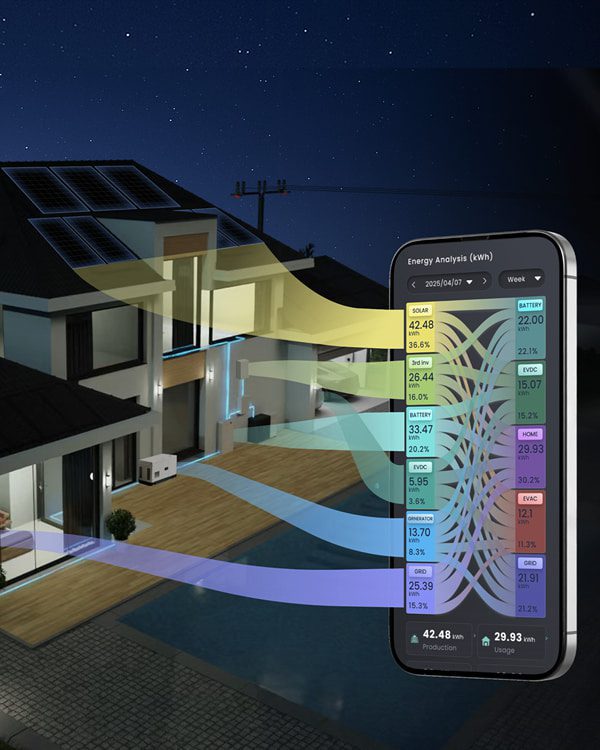
At SolarCity Cyprus, our Sigenergy systems provide intelligent monitoring that helps homeowners understand system status in real time.

Features include:

  • Live system monitoring
  • Battery performance information
  • Solar production data
  • Automatic notifications
  • Historical performance records

These tools make it easier to identify whether the system requires professional attention.

Common Mistakes

Assuming the System Has Failed

Reduced solar production does not always indicate a fault. Weather, time of day, and battery status all affect system performance.

Ignoring Notifications

Monitoring alerts often provide useful information that can explain system behaviour.

Attempting Repairs Yourself

Never open the inverter, battery, or electrical equipment. Technical servicing should always be carried out by qualified professionals.

💡 Expert Tip

Your monitoring app should always be your first step—not your toolbox.

Checking system information before taking any further action often saves time and avoids unnecessary concern.

📘 Did You Know?

Many service requests are resolved simply by reviewing the monitoring app and understanding normal system behaviour. Intelligent monitoring helps distinguish between temporary operating conditions and situations that require professional assistance.

Conclusion

If your Off-Grid Solar System appears to stop working, begin with a few simple checks rather than assuming the worst.

Review your monitoring app, consider current weather conditions, perform a safe visual inspection, and contact your installer if necessary.

At SolarCity Cyprus, our Sigenergy systems combine advanced monitoring, automatic notifications, and intelligent energy management to help homeowners quickly understand their system’s status and receive professional support whenever it is needed.

Frequently Asked Questions

Does low solar production always mean something is wrong?

No. Weather conditions, the time of day, and seasonal changes all affect solar energy production.

Should I restart the system myself?

Follow the guidance provided by your installer. If you are unsure, contact them before attempting any action.

Can I inspect the system safely?

Yes. A simple visual inspection is safe, but never open electrical equipment or attempt repairs.

What information should I provide when contacting my installer?

Screenshots from the monitoring app, any alert messages, and a description of what you have observed will help your installer diagnose the issue more quickly.

Why does SolarCity Cyprus use Sigenergy?

SolarCity Cyprus installs Sigenergy because its intelligent monitoring platform, automatic notifications, real-time performance data, and advanced Battery Management System help homeowners understand their system’s status quickly and accurately.

🔗 Related Articles

Off-Grid Solar System Maintenance

  • Does an Off-Grid Solar System Need Regular Maintenance?
  • How Often Should My Solar System Be Inspected?
  • Can I Maintain My Solar System Myself?
  • How Long Do Solar Panels Last?
  •  

Smart Home & Energy Management

  • Can My Solar System Send Alerts?
  • Can I Track My Energy Usage Over Time?
  •  

Batteries

  • Do Home Batteries Work During Power Cuts?
  • How Long Do Home Batteries Last?

Related Articles

  • All Posts
  • Costs & Savings
  • Off-Grid Solar System
  • Solar Buyer's Guide
  • Solar FAQ Academy
  • Solar System Installation
Load More

End of Content.

Solar_Logo

SolarCity Cyprus is here to help you harness the power of the sun and contribute to a brighter, cleaner energy future for Cyprus and beyond.

Contact Info

© Copyright SolarCity Cyprus | All Rights Reserved